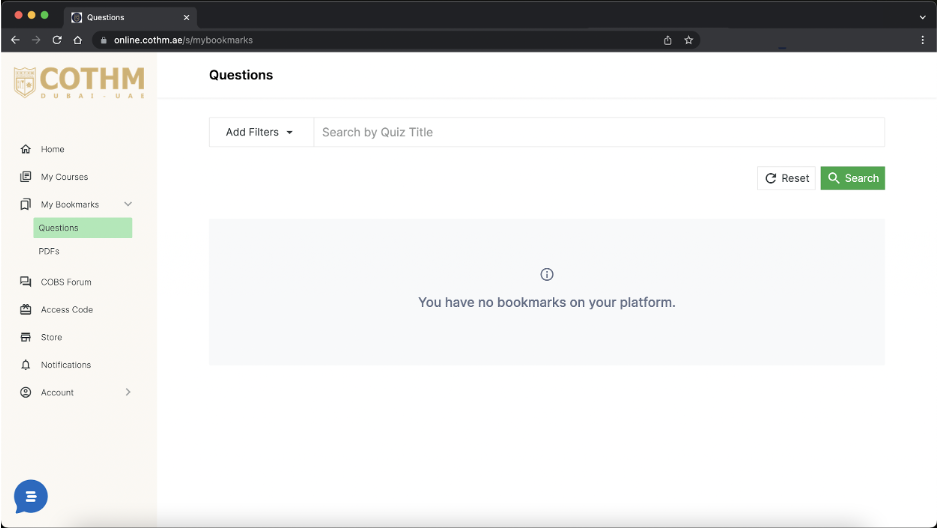
The bookmark feature on your course platform allows you to keep track of your progress while being able to easily return to a specific course item like a quiz question.
You can use the bookmark feature by going into My Courses > Choose Course > Quiz Question.
Now, bookmark the quiz question after you have attempted the Quiz. Once you click on the bookmark icon, you will get a pop-up message "Question successfully bookmarked."